T1 — Install and open the app
Goal
Install the Anonymizer and reach the Welcome screen with AI Features available.
Steps
- Install uv (
uv --versionto confirm), create a Python 3.12 venv that includes tkinter, thenuv pip install rsna-anonymizer(19.0.1). - On macOS,
brew install libompbefore using AI Features. - Run
rsna-anonymizer; confirm Welcome opens; open AI Features and start any needed downloads.
Video
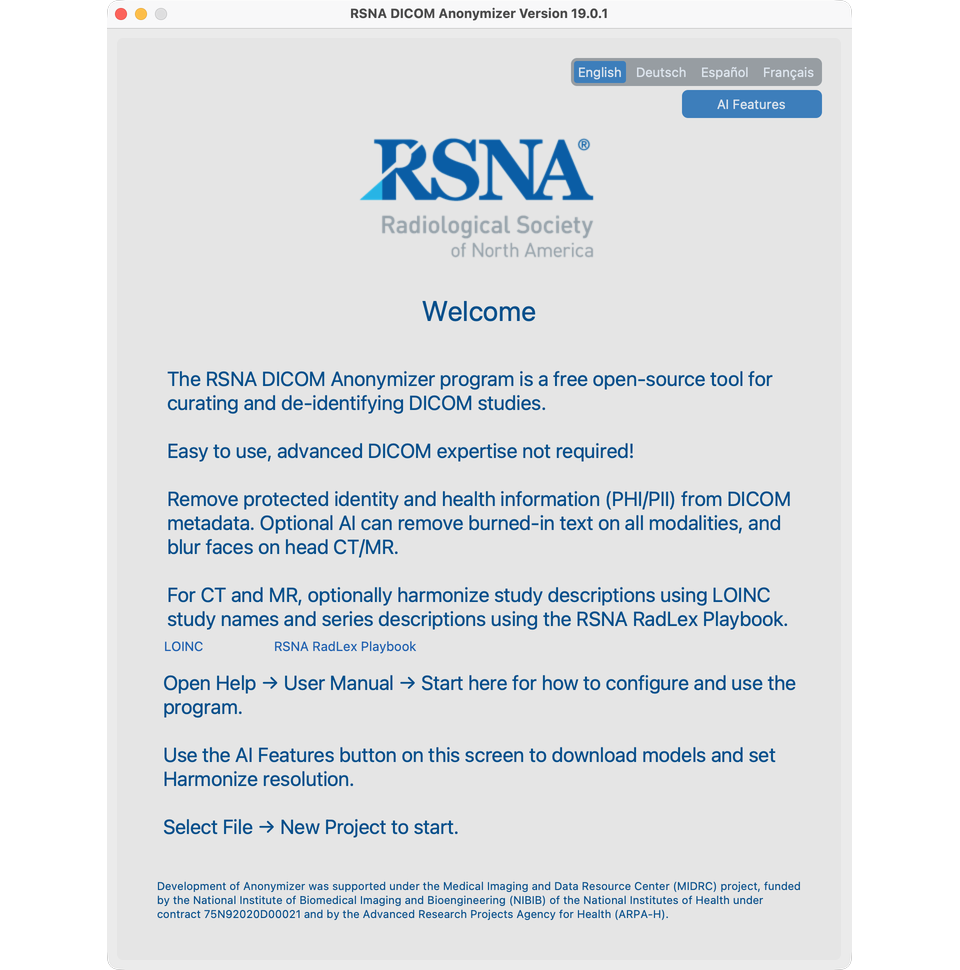
Full detail: Install and first launch